Calm, plain-English AI guides for work
Learn to actually use AI at work — without the panic.
No code. No hype. No jargon. Just calm, step-by-step guides that take you from “everyone else gets this but me” to quietly saving an hour a day — written by a regular, self-taught tech guy.
Trusted, jargon-free, and made for people who feel behind. Every book comes as a PDF + Kindle/Apple EPUB.

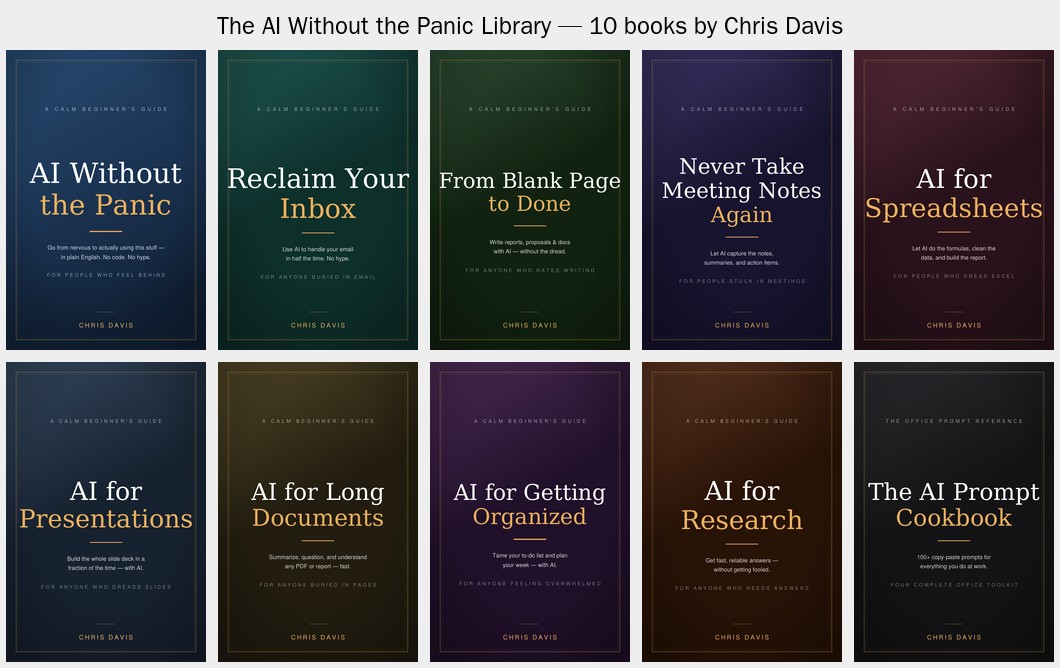
Ten short, friendly guides — read the one that fixes your biggest headache, or grab the whole set.
Start free: 50 Copy-Paste AI Prompts for the Office
The exact prompts to summarize an email, fix a spreadsheet, write a report, and more — free. Pop in your email and I'll send the pack (and the occasional plain-English AI tip).
New to all this?
Start here
If AI makes you nervous, begin with the foundation. It gets you over the fear and teaches the handful of moves every other book builds on.
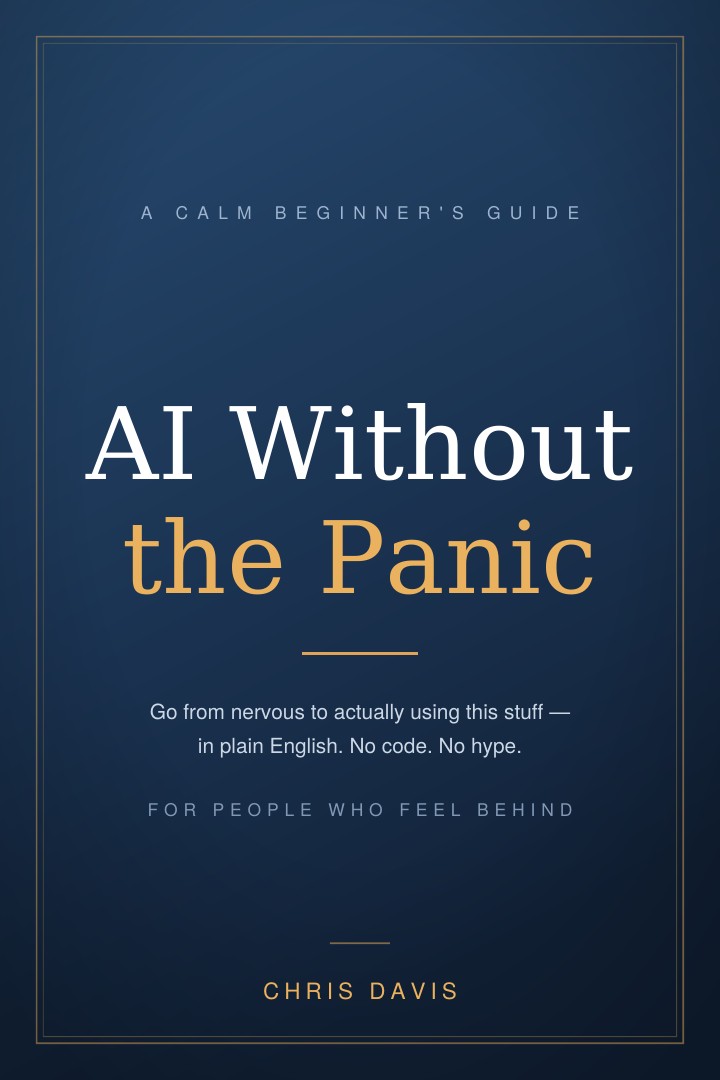
AI Without the Panic
Your calm first month with AI. What it actually is (no math), your first ten wins with copy-paste prompts, how to tell when it's wrong, and how to stay safe at work — all in plain English, in a single weekend.
The Series
Pick the book that fixes your headache
Each one solves a single, specific problem — read them in any order.
AI Without the Panic
Your calm first month with AI — from nervous to confident. No code, no hype.
The gateway book — everyone starts here.
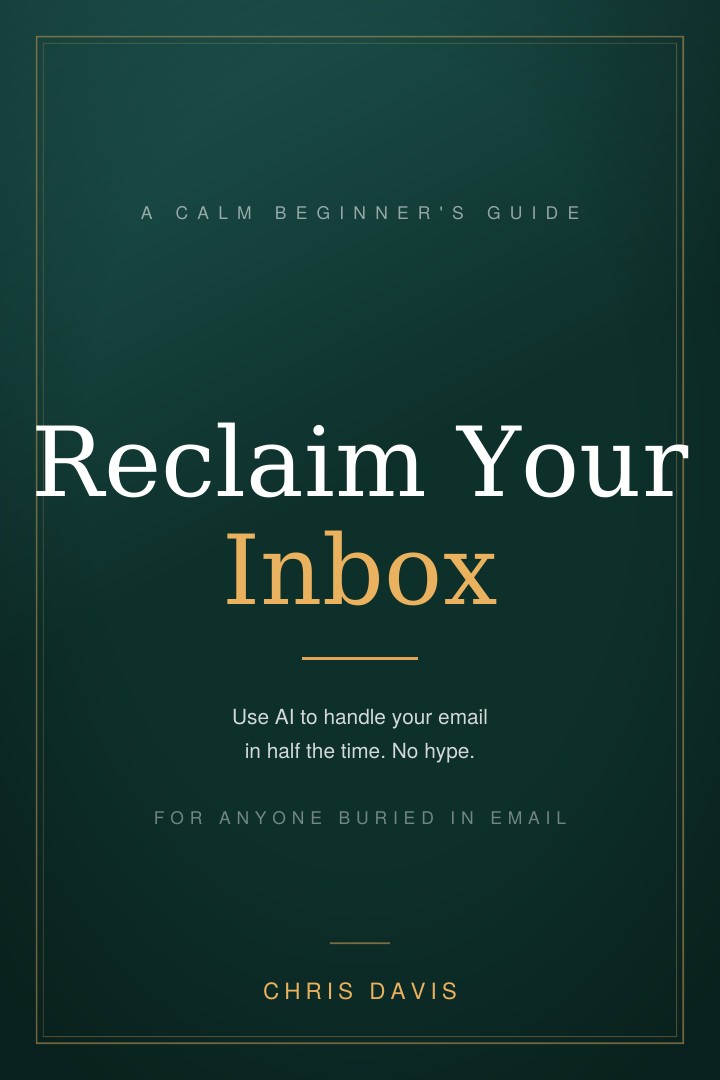
Reclaim Your Inbox
Use AI to handle your email in half the time.
For anyone buried in email.
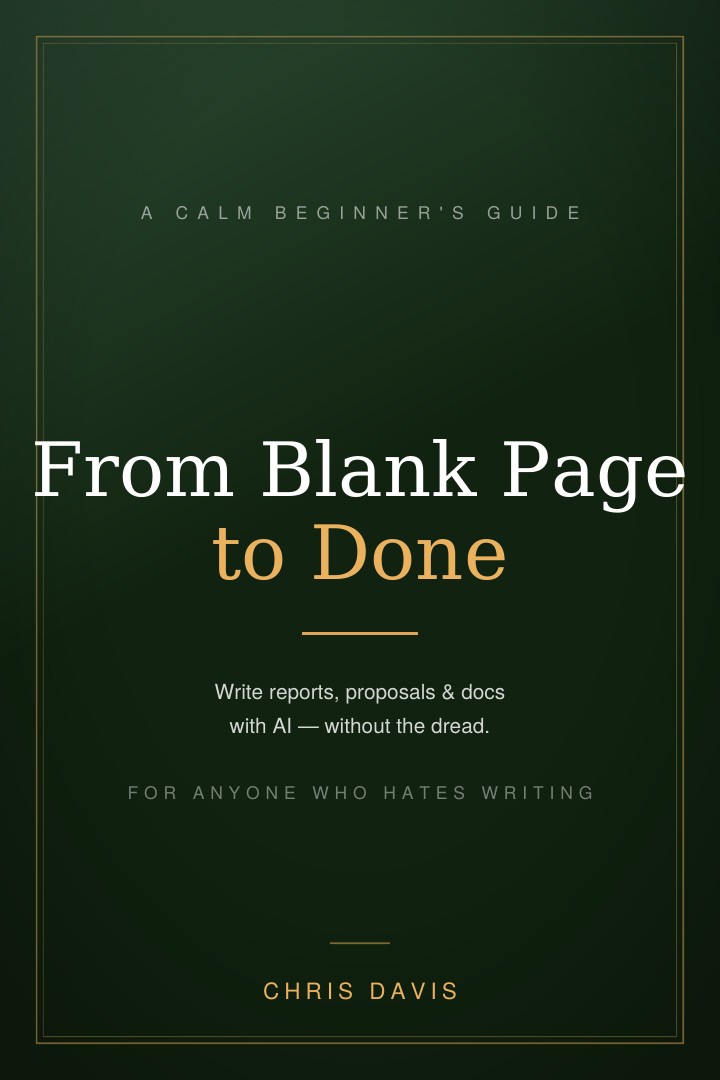
From Blank Page to Done
Reports, proposals, and docs — drafted in minutes.
For anyone who dreads writing.
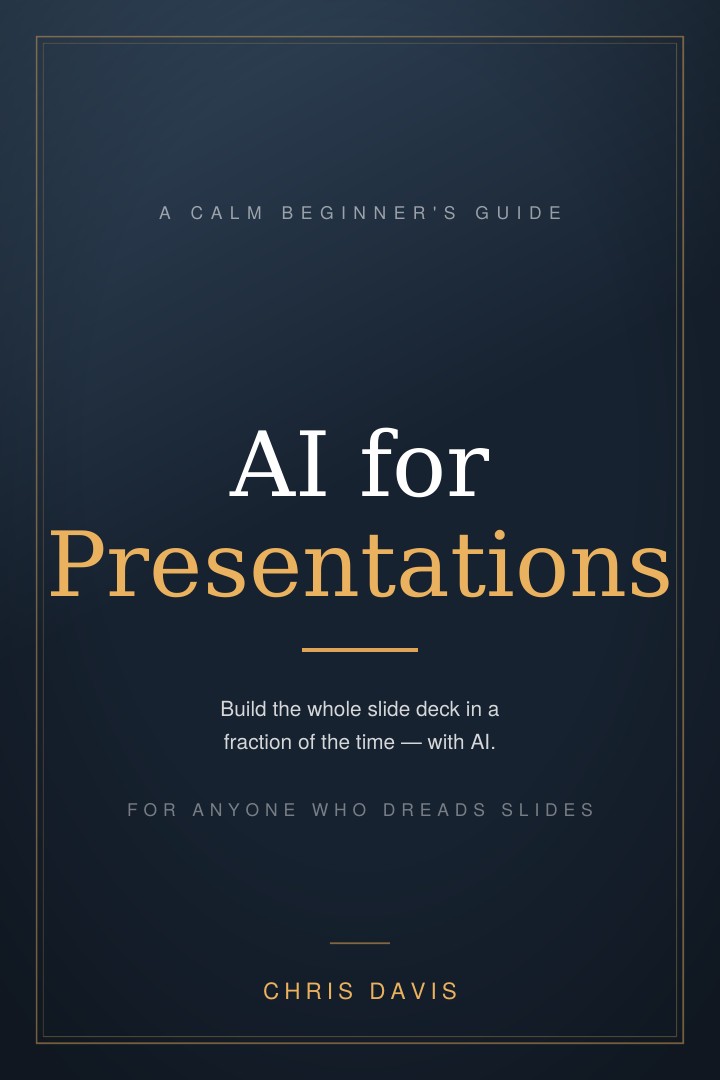
AI for Presentations
Build the whole slide deck in a fraction of the time.
For anyone who dreads slides.
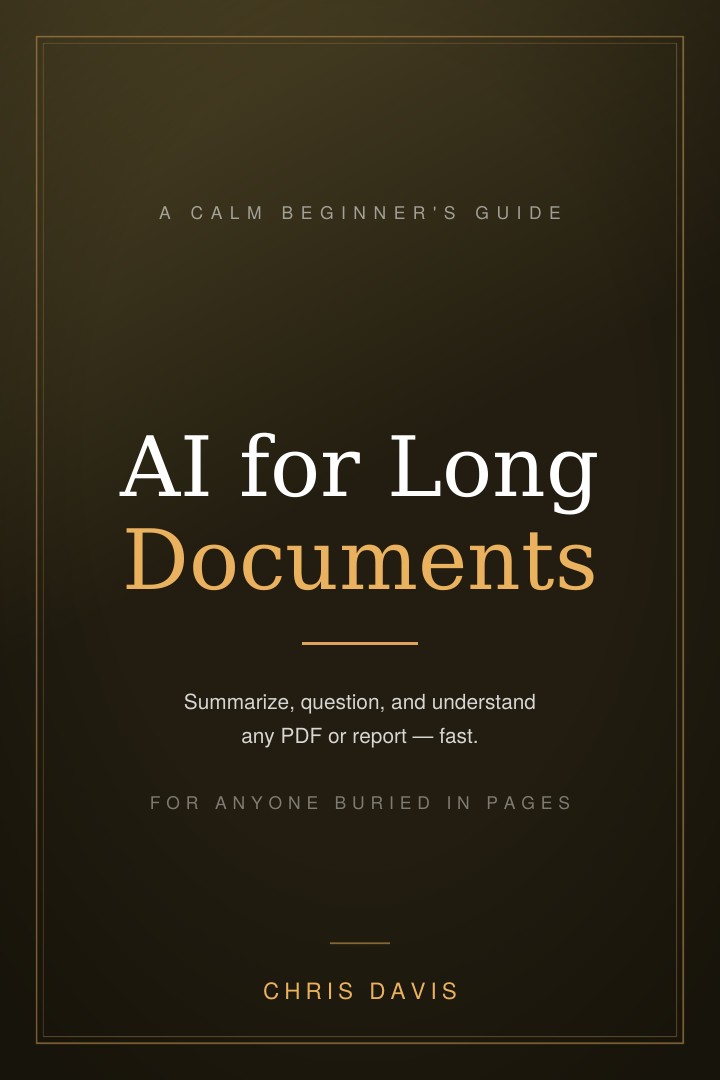
AI for Long Documents
Summarize and understand any PDF, report, or contract — fast.
For anyone buried in pages.
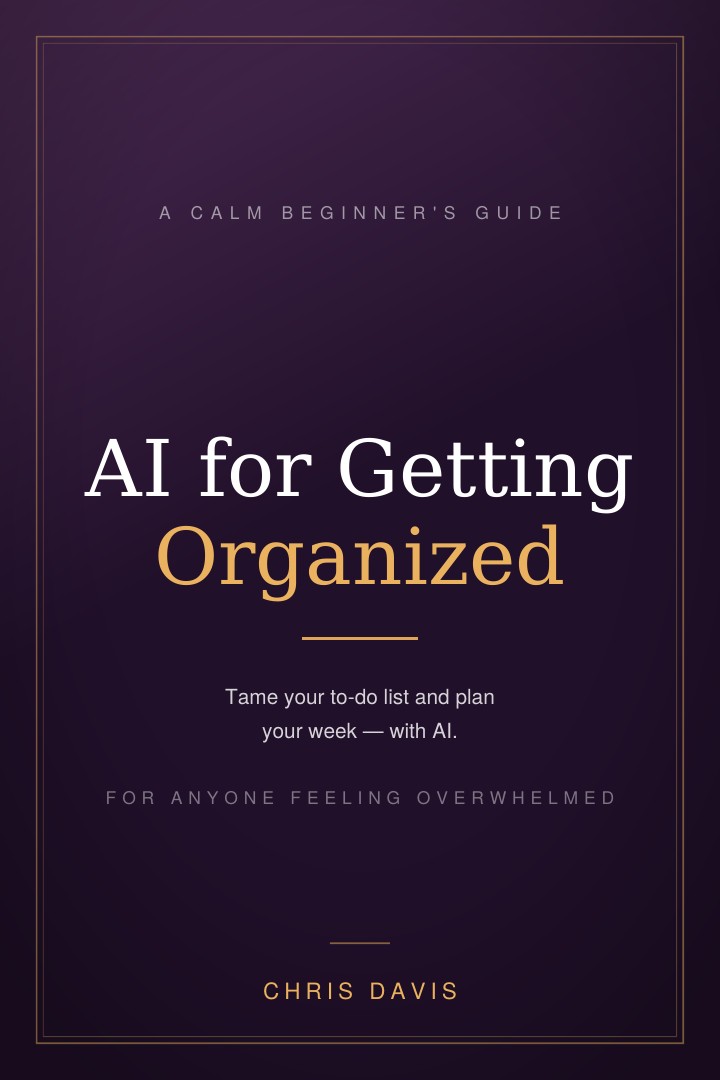
AI for Getting Organized
Tame your to-do list and plan your week with AI.
For anyone feeling overwhelmed.
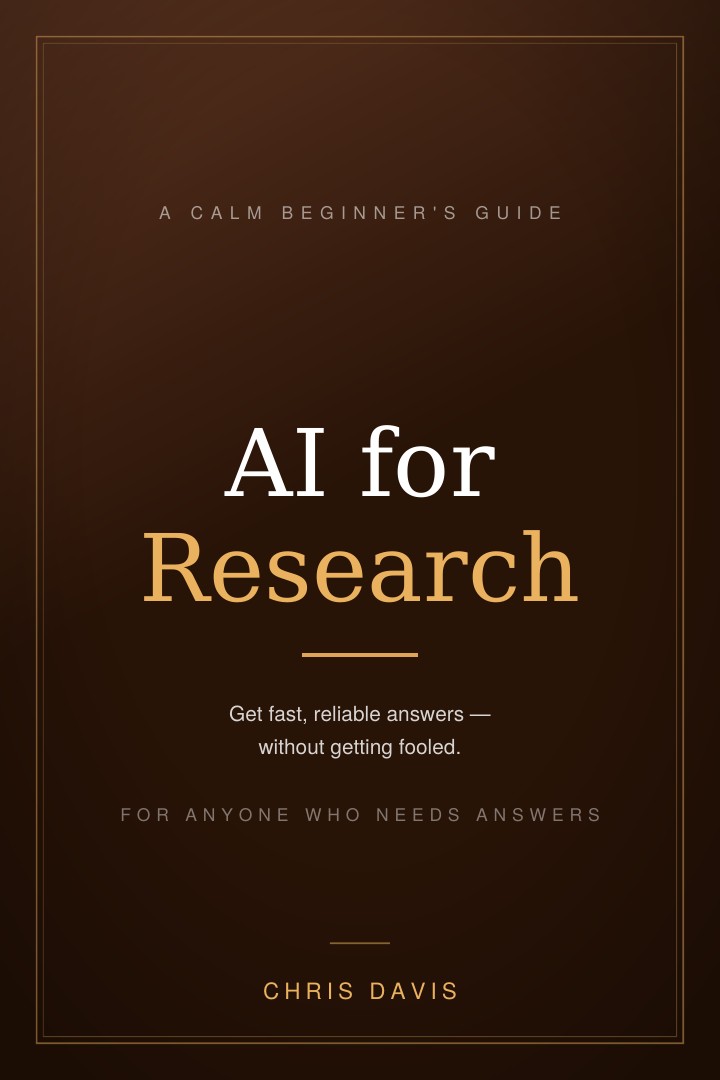
AI for Research
Get fast, reliable answers — without getting fooled.
For anyone who needs answers.
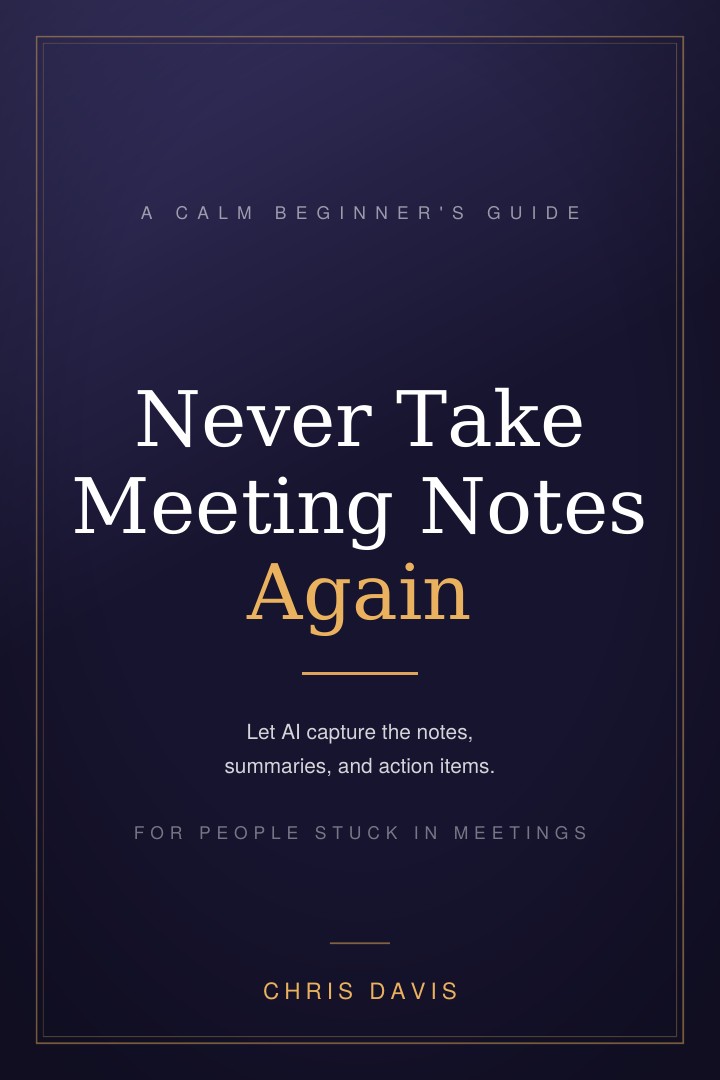
Never Take Meeting Notes Again
Let AI capture the notes, summaries, and action items.
For people stuck in meetings.
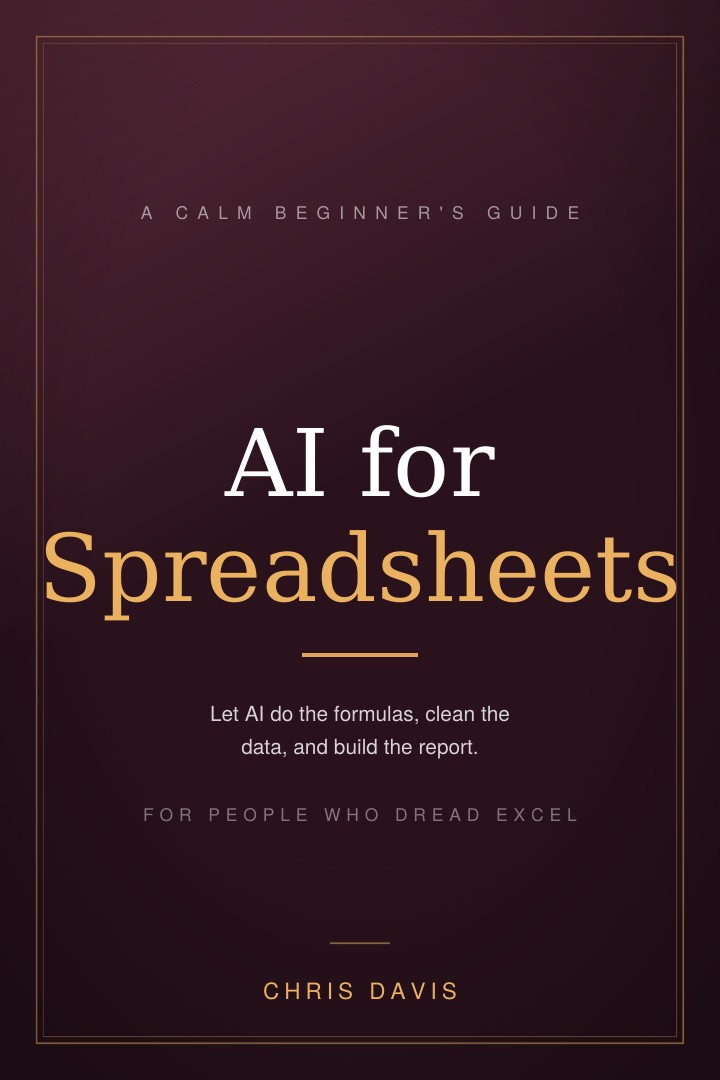
AI for Spreadsheets
Formulas, data, and reports — without the headache.
For people who dread Excel.
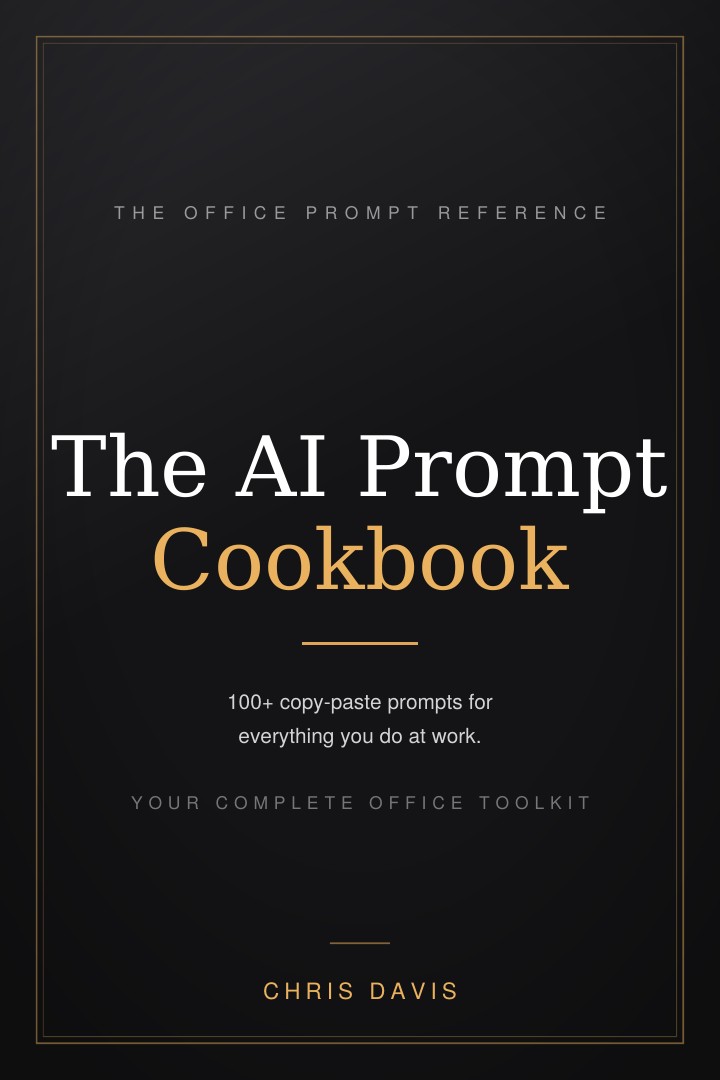
The AI Prompt Cookbook
100+ copy-paste prompts for everything you do at work.
Your complete office toolkit.
The Complete Library
All ten books — the foundation plus email, writing, presentations, long documents, getting organized, research, meetings, spreadsheets, and the 100+ prompt Cookbook. Everything you need to go from nervous beginner to the calm person others ask for help.
Who's behind this
Hey, I'm Chris
I'm a regular, self-taught tech guy — no fancy degree, I just learned this stuff by messing around with it until it clicked. I've watched too many smart, capable people get scared off AI for no reason, because everything out there is written by people in a hurry using words that make you feel dumb. These guides are the calm, plain-English walkthrough I wish those folks had. No hype, no jargon — just “here's exactly what to type.” Hopefully they help you out.
Questions
Good to know
What format are the books?
Every book comes as a PDF (great on a computer or to print) and a reflowable EPUB (for Kindle, Apple Books, Kobo, and phones — text resizes to any screen).
Do I need to be technical?
Not at all. If you can send a text message and use email, you're ready. There's no code and nothing to install — you just type in plain English.
Which book should I start with?
If you're new to AI, start with AI Without the Panic — it's the foundation. After that, grab whichever book matches your biggest daily headache.
Can I get all of them together?
Yes — the Complete Library bundle gives you all ten for $99 instead of $220.
What if it's not for me?
No worries — there's a 30-day, no-questions refund on every purchase.